The bridge is operational on both testnet and mainnet.
- Faster transactions via the Socket Widget integration.
- Token swaps via Kyberswap, available directly through the portal.
- Third-party bridge and DEX support within the same UI.
- Refueling via the 0x API, which removes the need to separately acquire native tokens for gas.
The Refuel feature is limited to select tokens.
Connect to Polygon Portal
- Go to https://portal.polygon.technology/.
-
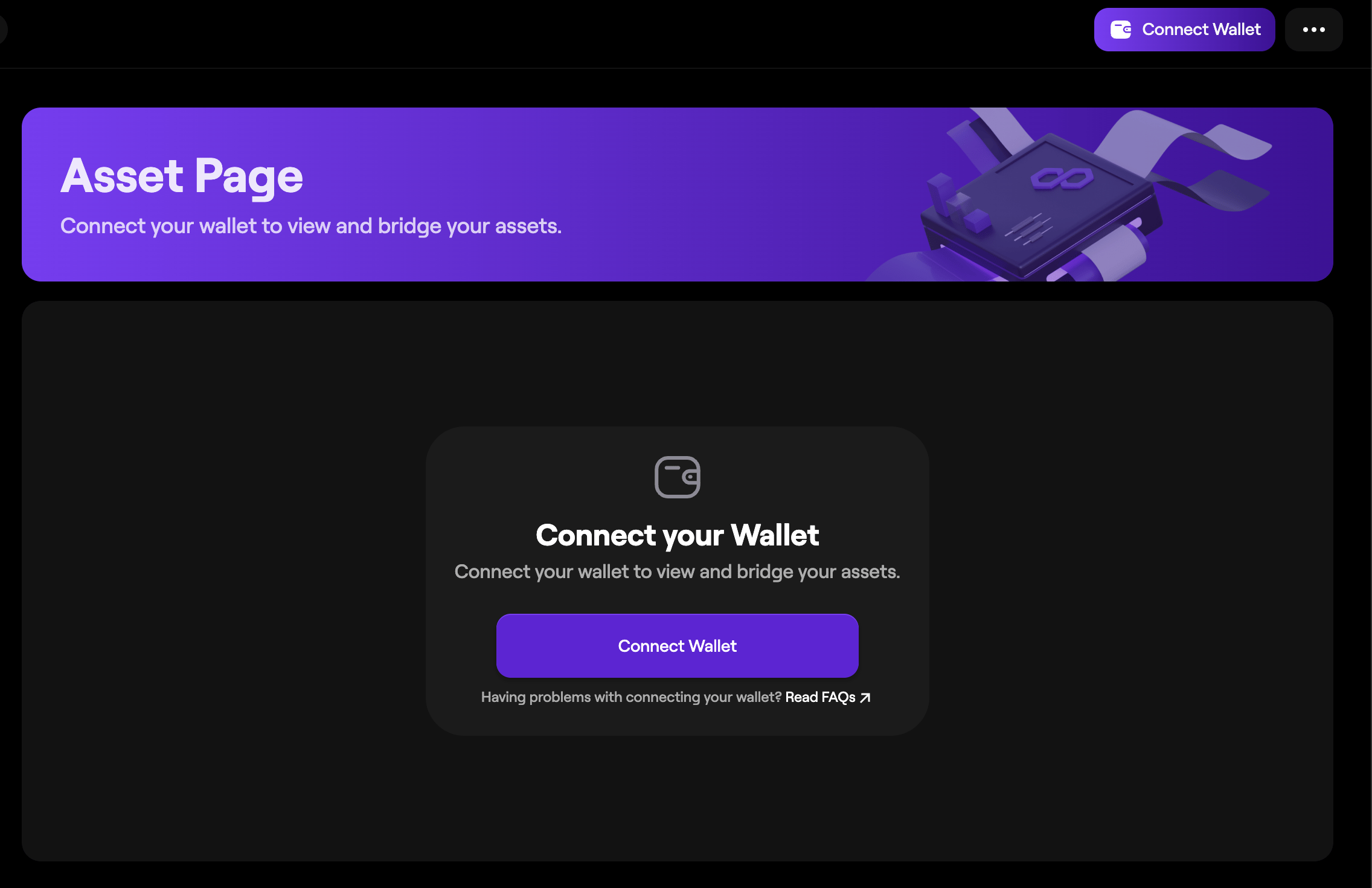
Click Connect Wallet to open the wallet connect window.
-
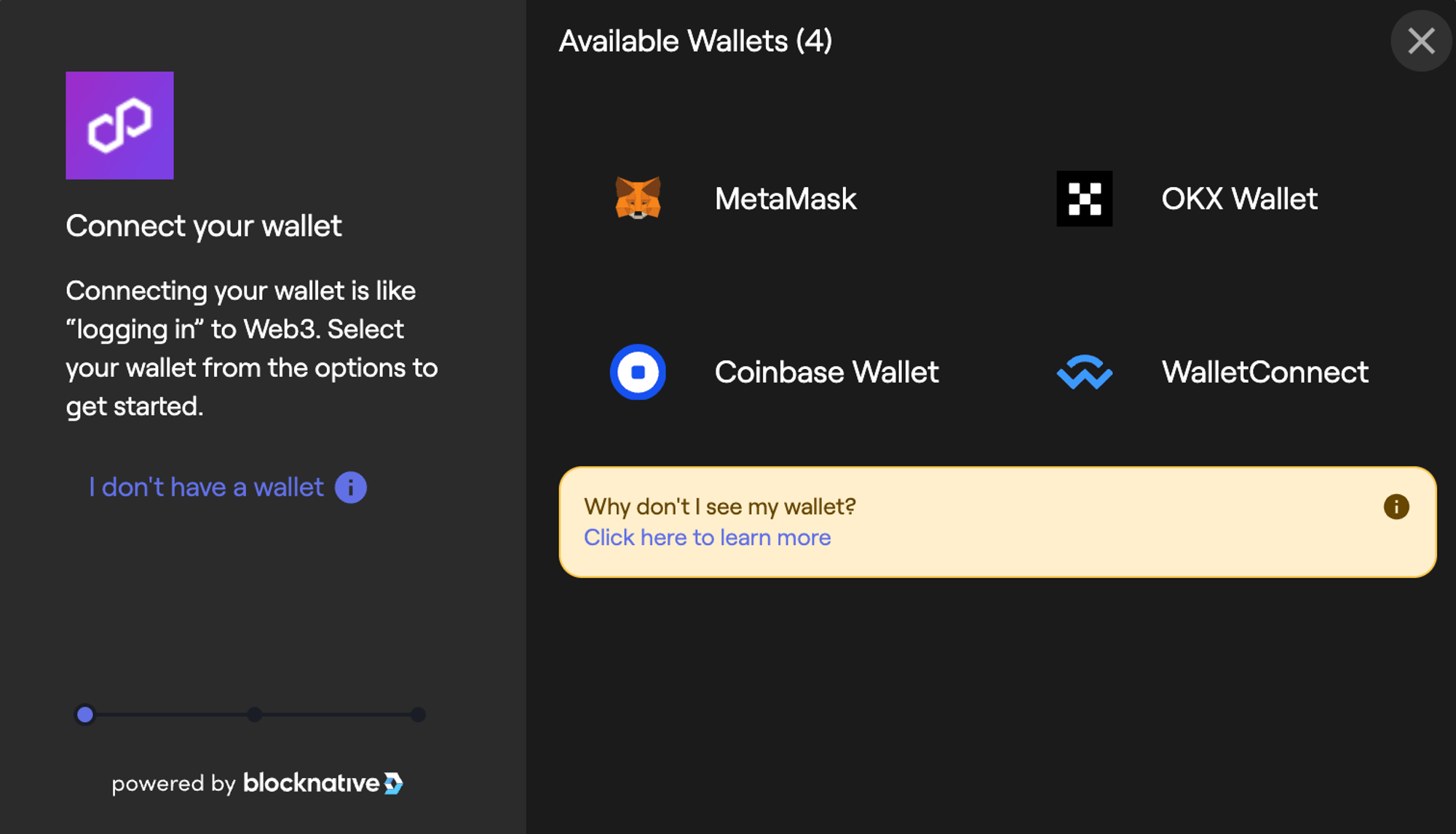
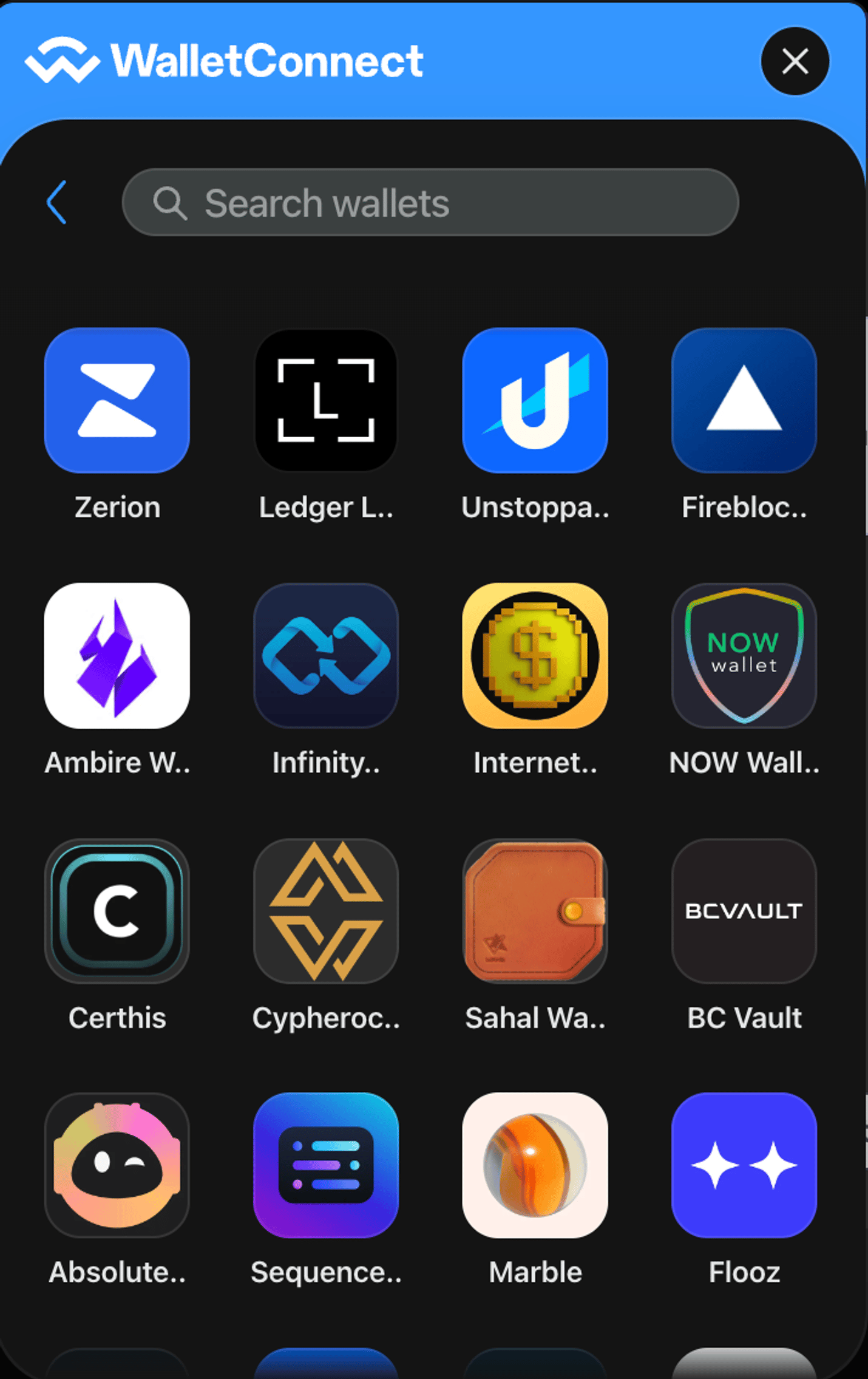
Select your wallet. The portal supports MetaMask, Coinbase, OKX, and any wallet that supports WalletConnect.
-
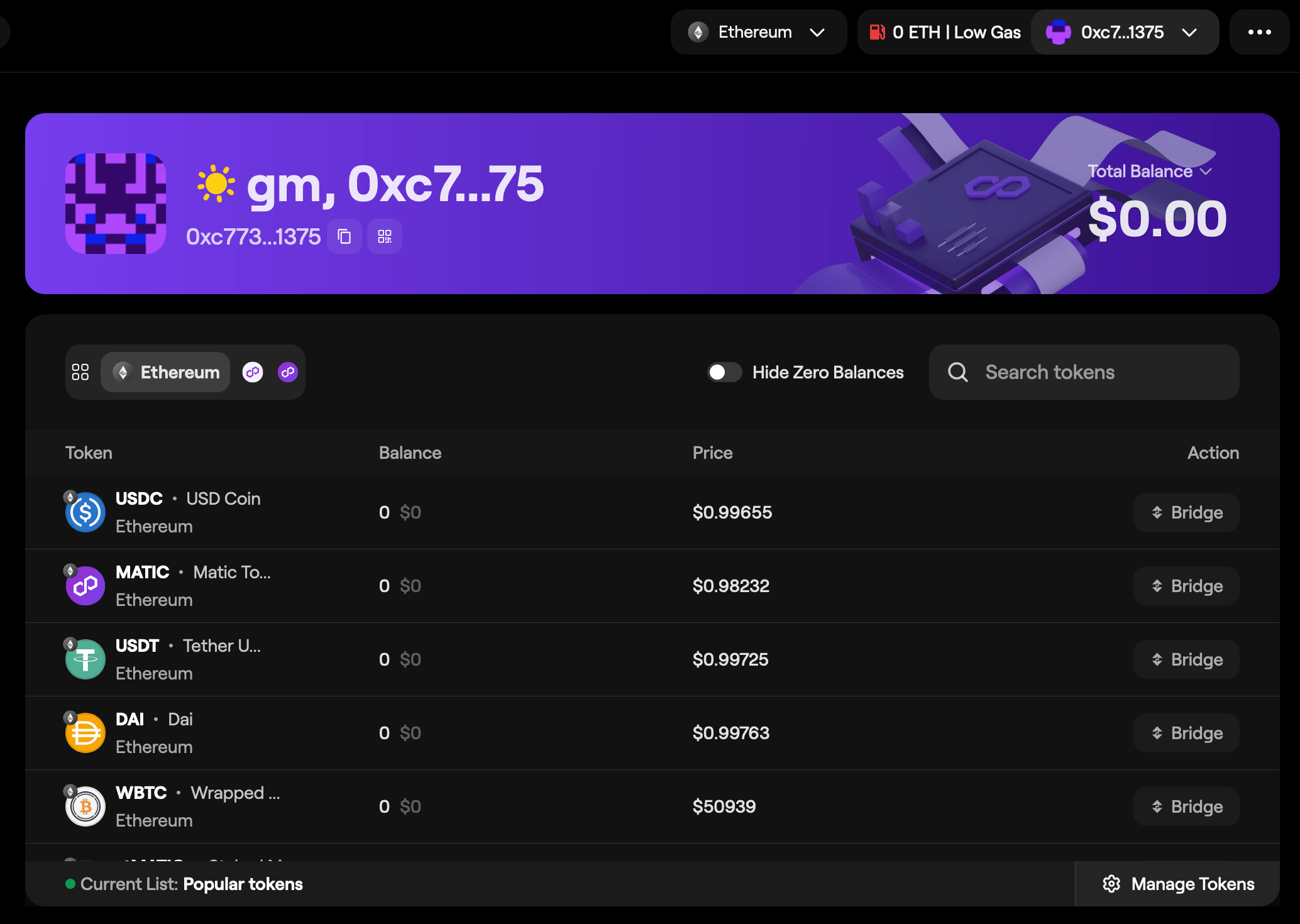
Approve the connection in your wallet. Your asset balances across Ethereum and Polygon chains will appear in the dashboard.
Transfer funds from Ethereum to Polygon chains
-
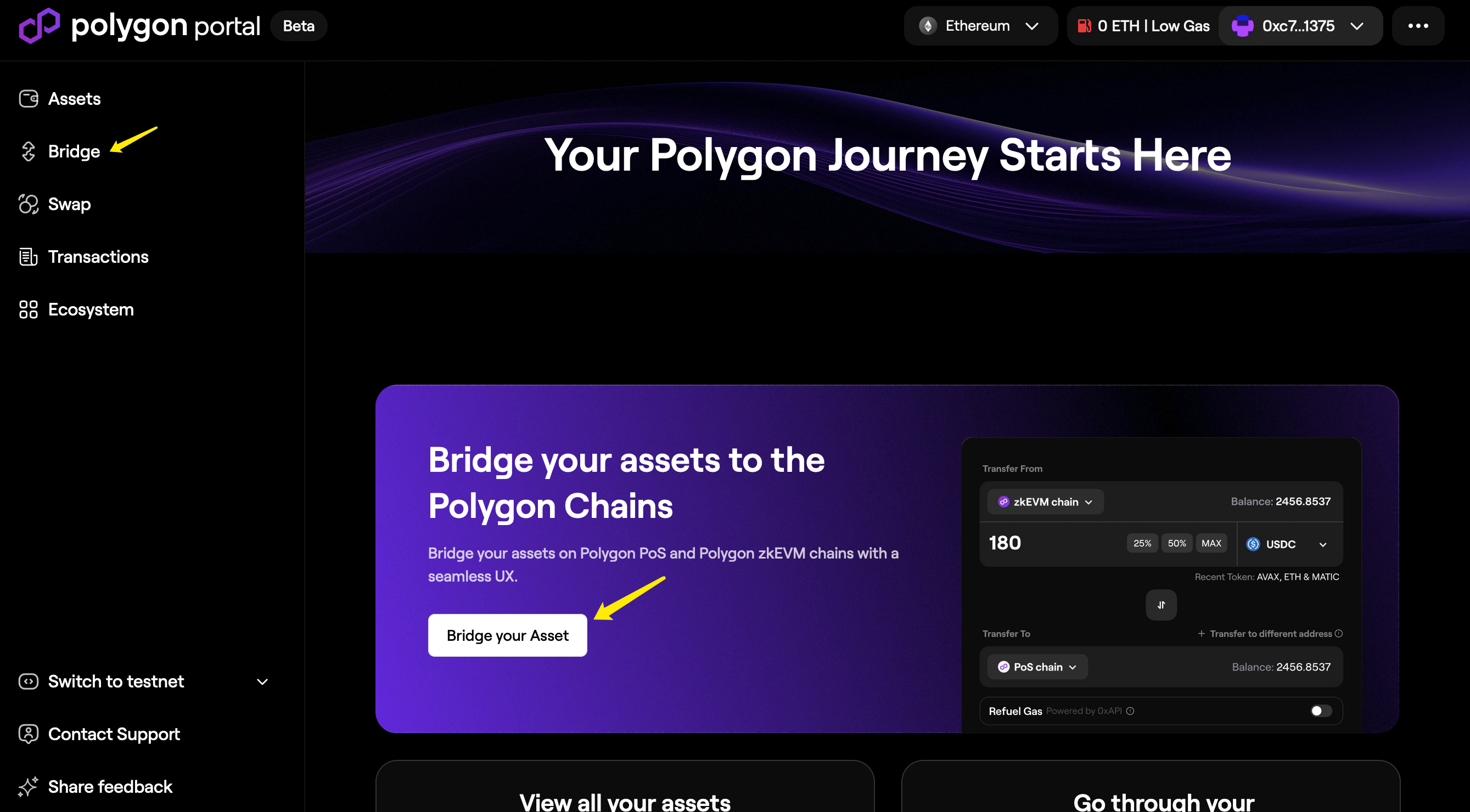
Navigate to Polygon Portal and select Bridge your Asset on the main page, or choose Bridge from the sidebar.
-
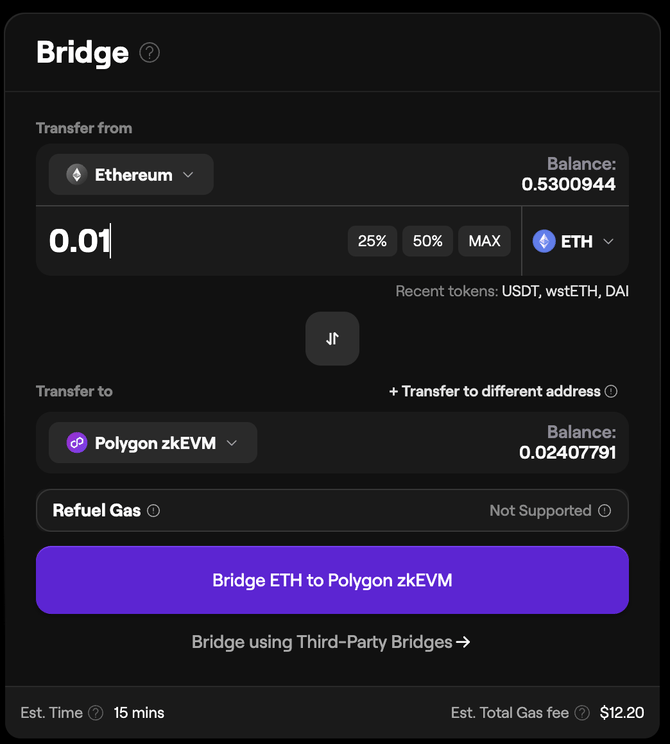
In the bridge widget, select your source and destination chains.
-
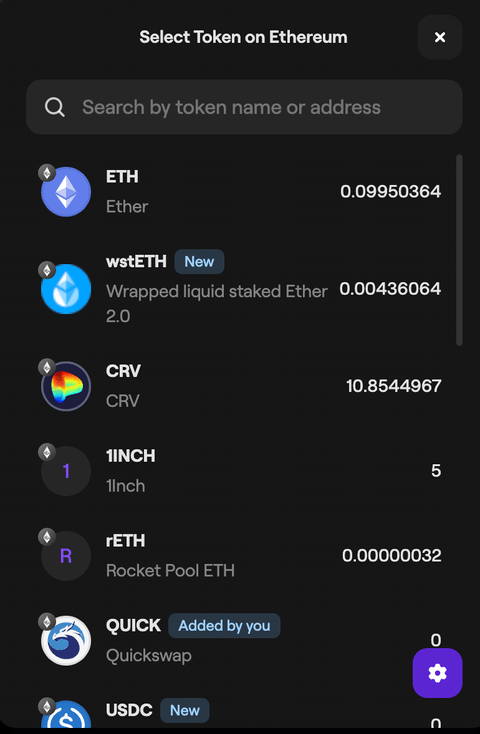
Select the token you want to bridge from the drop-down list.
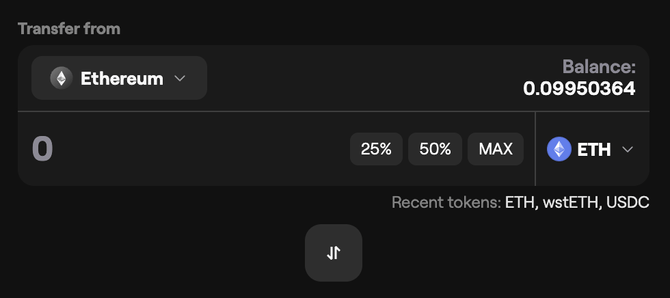
- Enter the transfer amount manually or select a percentage of your current balance.
-
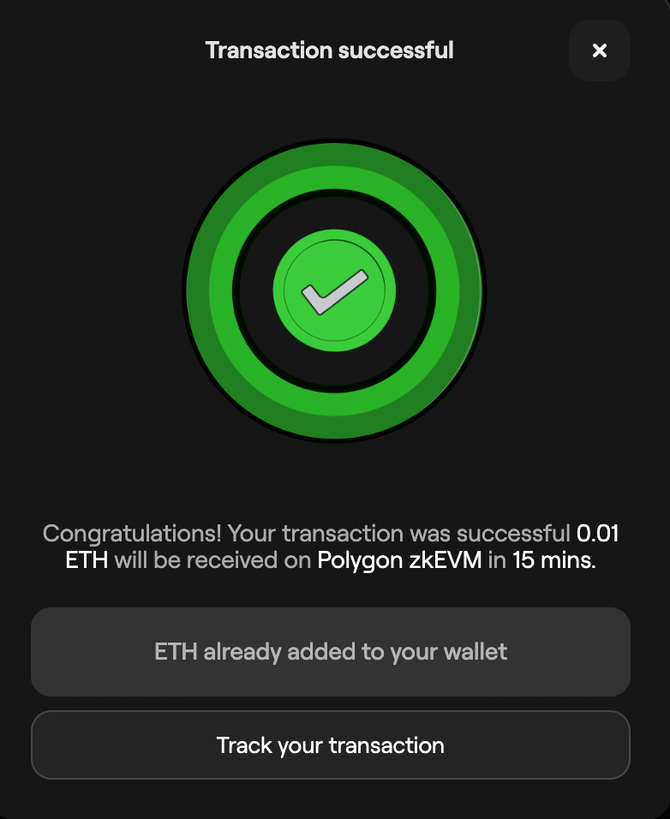
Confirm the transaction in your wallet. An estimated arrival time for the funds will appear.
-
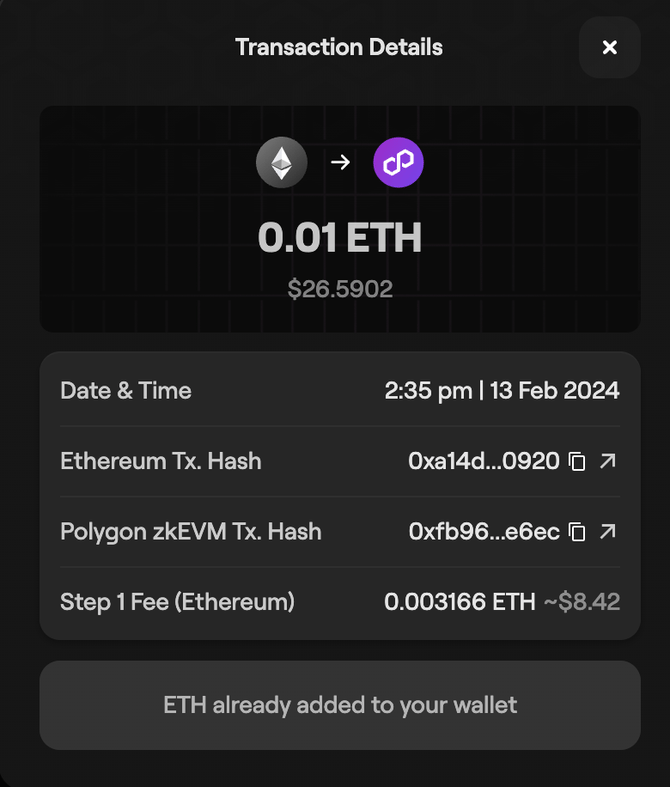
Check transaction status by selecting Transactions from the sidebar.

Claim bridged tokens on Ethereum
MATIC tokens
-
After bridging MATIC from Polygon Chain to Ethereum, select Initiate Claim on the transaction record once your tokens are ready.

-
Approve the transaction in your wallet, then select Claim Tokens.

- Funds will appear in your wallet once the claim transaction is confirmed.
ETH and custom tokens
-
Tokens transferred from Polygon zkEVM to Ethereum are generally available to claim within 30 to 45 minutes. Track status on the Transactions page.

-
The Claim Tokens button appears once your tokens are ready.

-
Sign the transaction in your wallet when prompted.

-
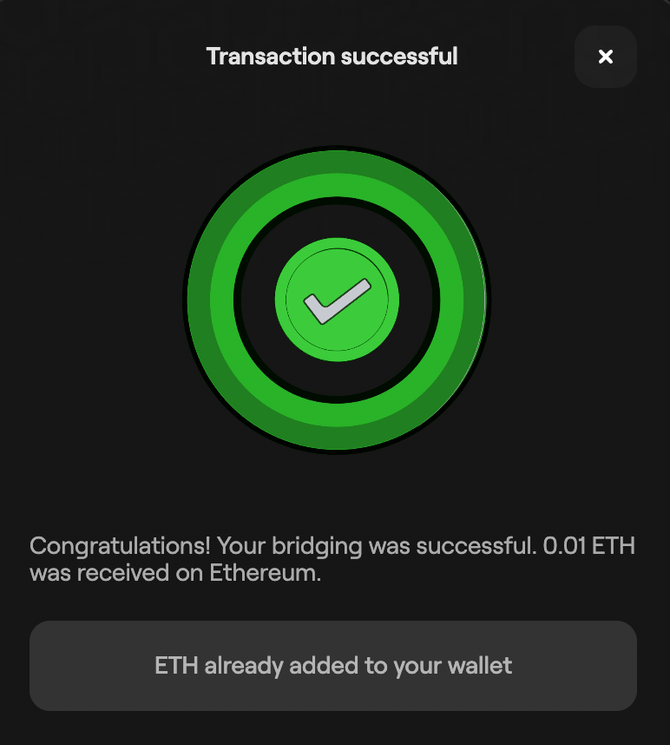
Once signed, the bridged tokens are sent to your wallet.
Add custom tokens to Polygon Portal
-
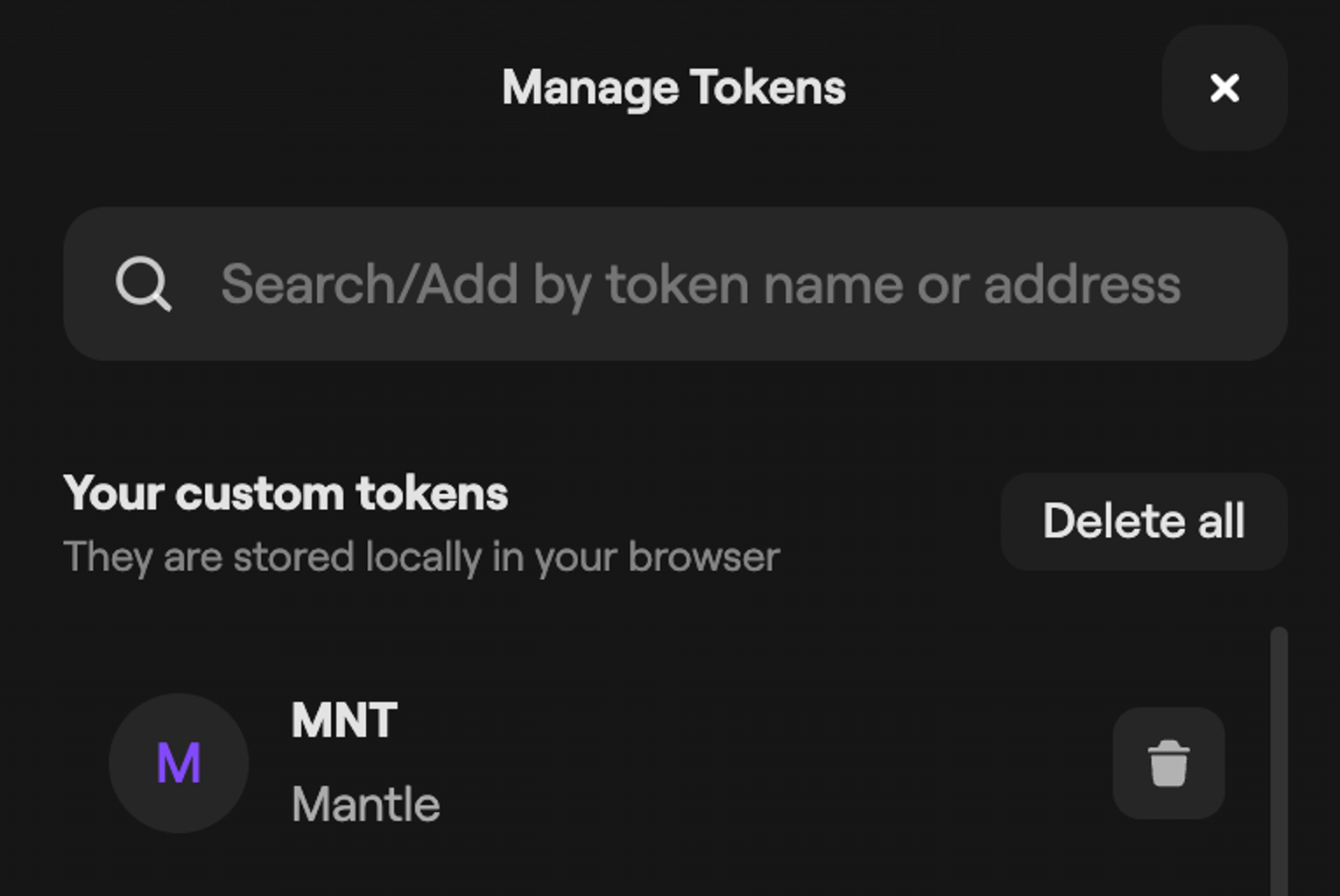
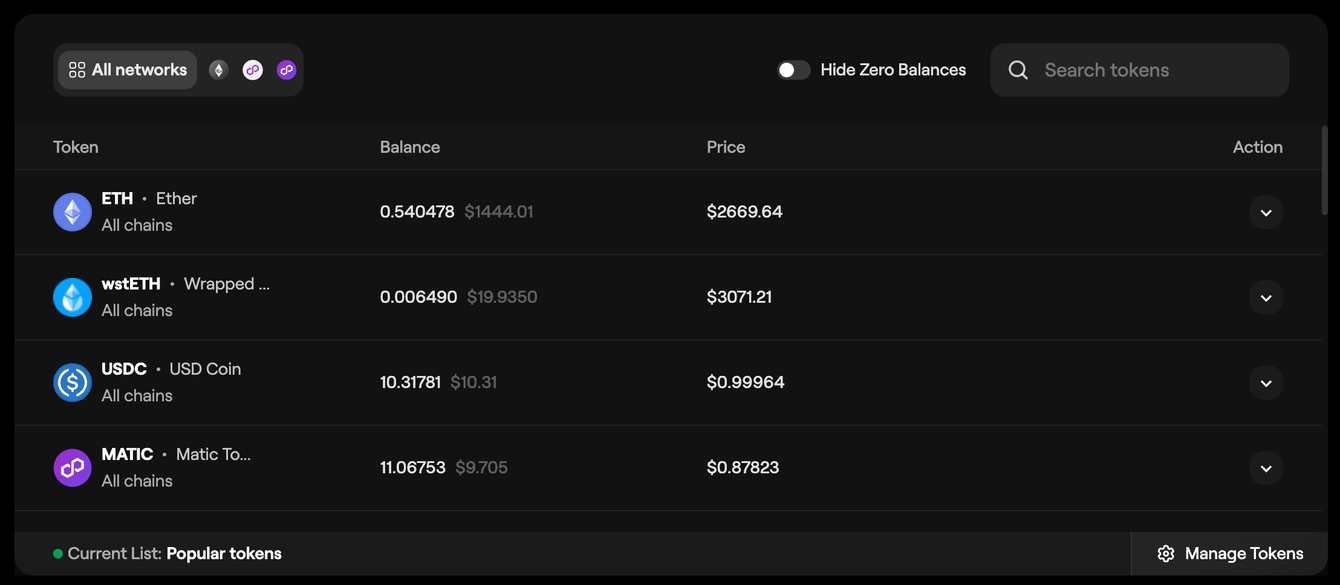
Click Manage Tokens in the bottom-right corner of the dashboard and search by token name.
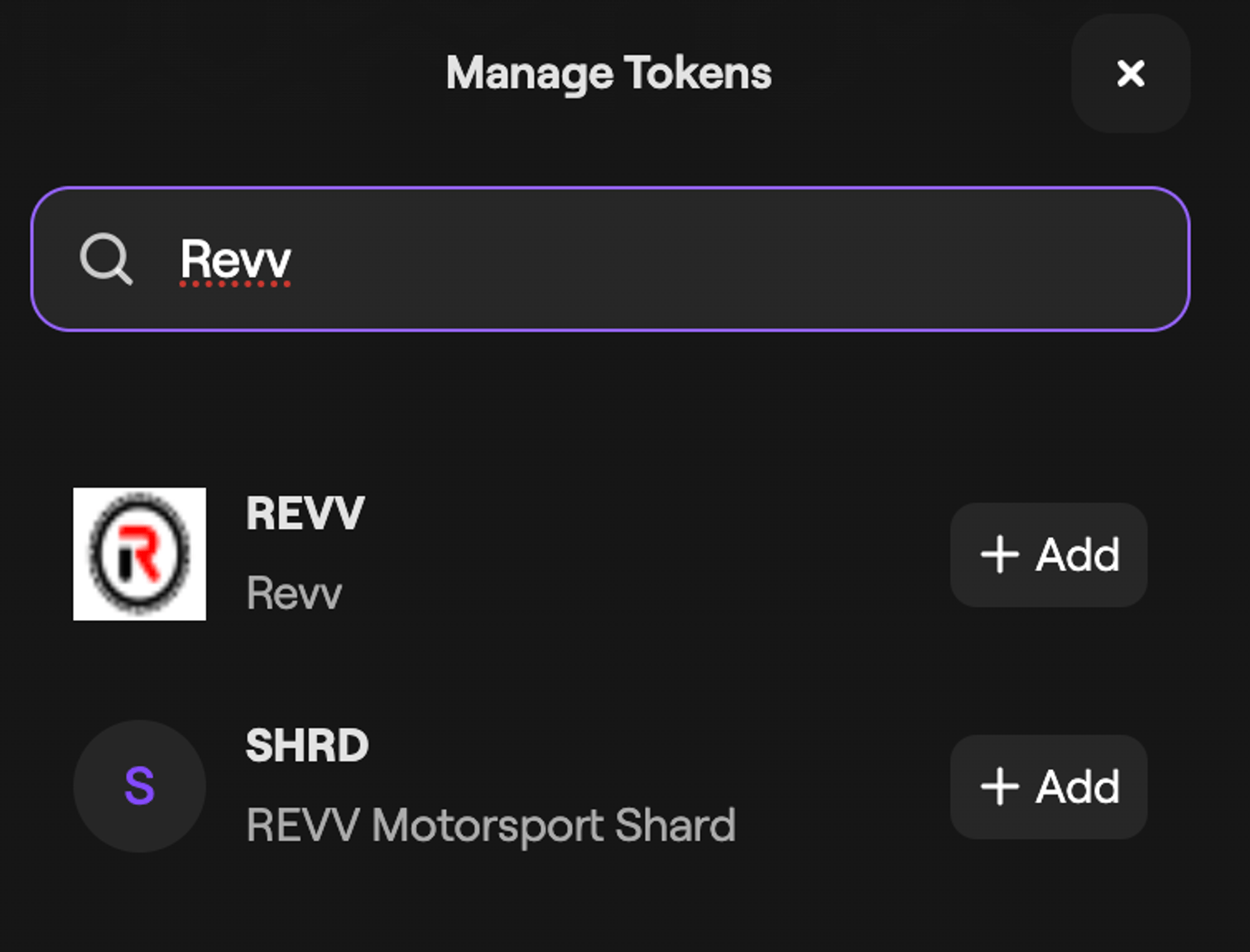
- If the token appears, select Add.
-
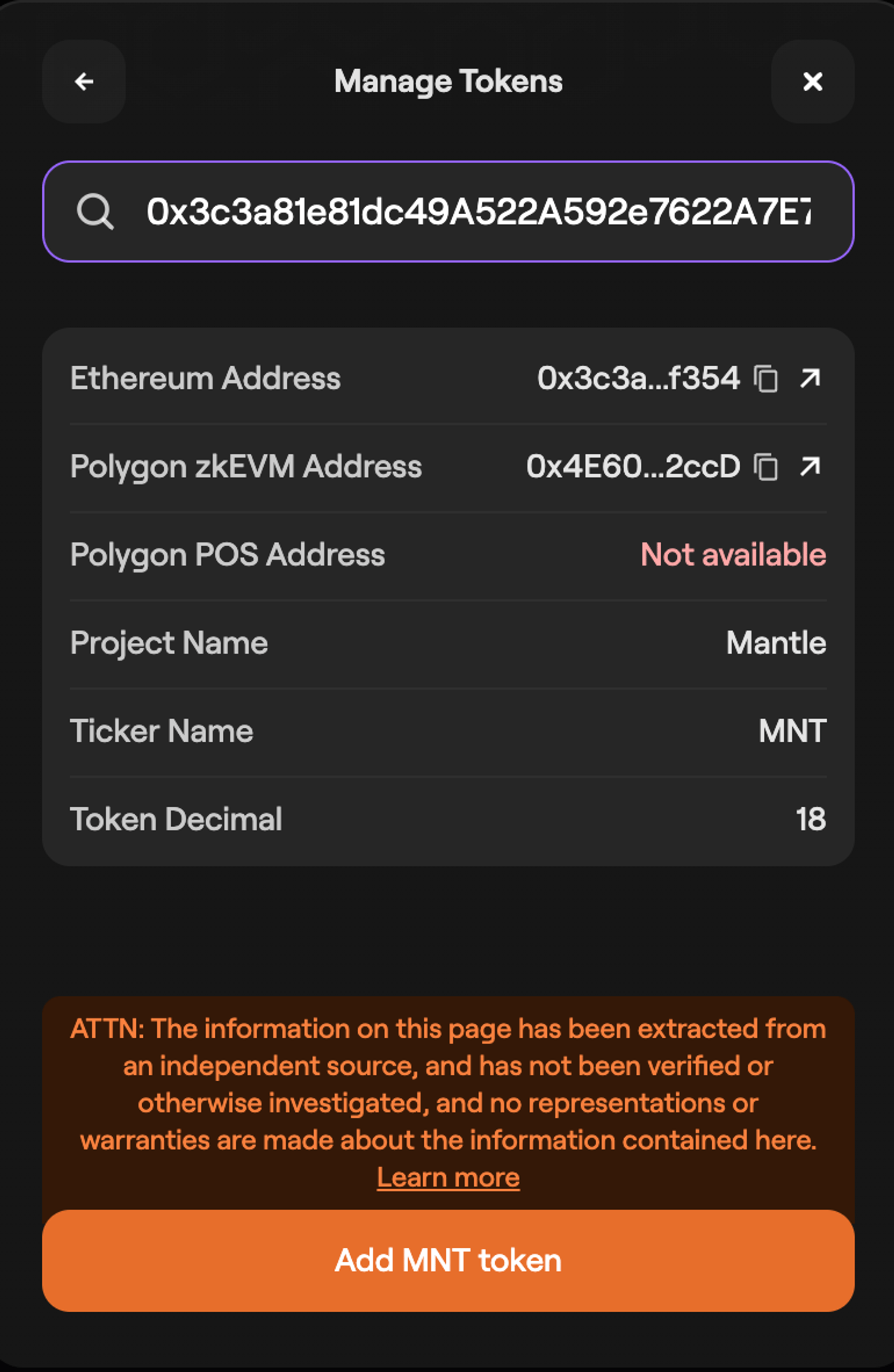
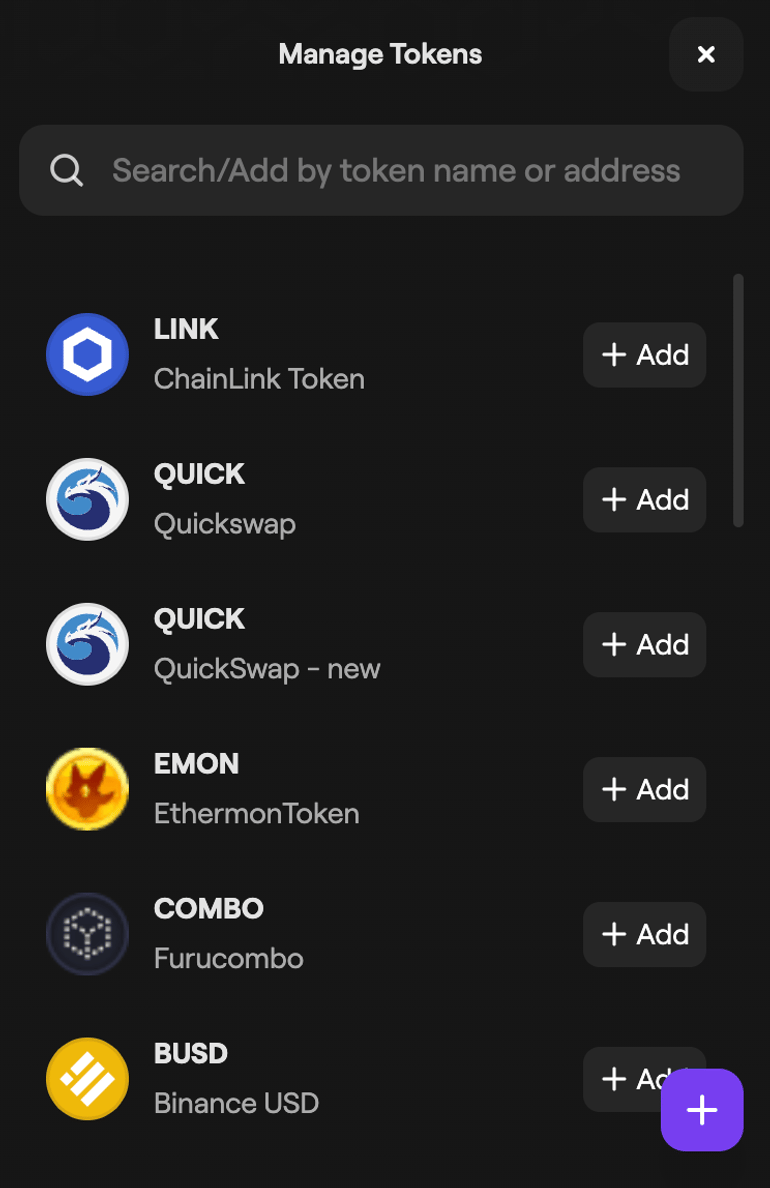
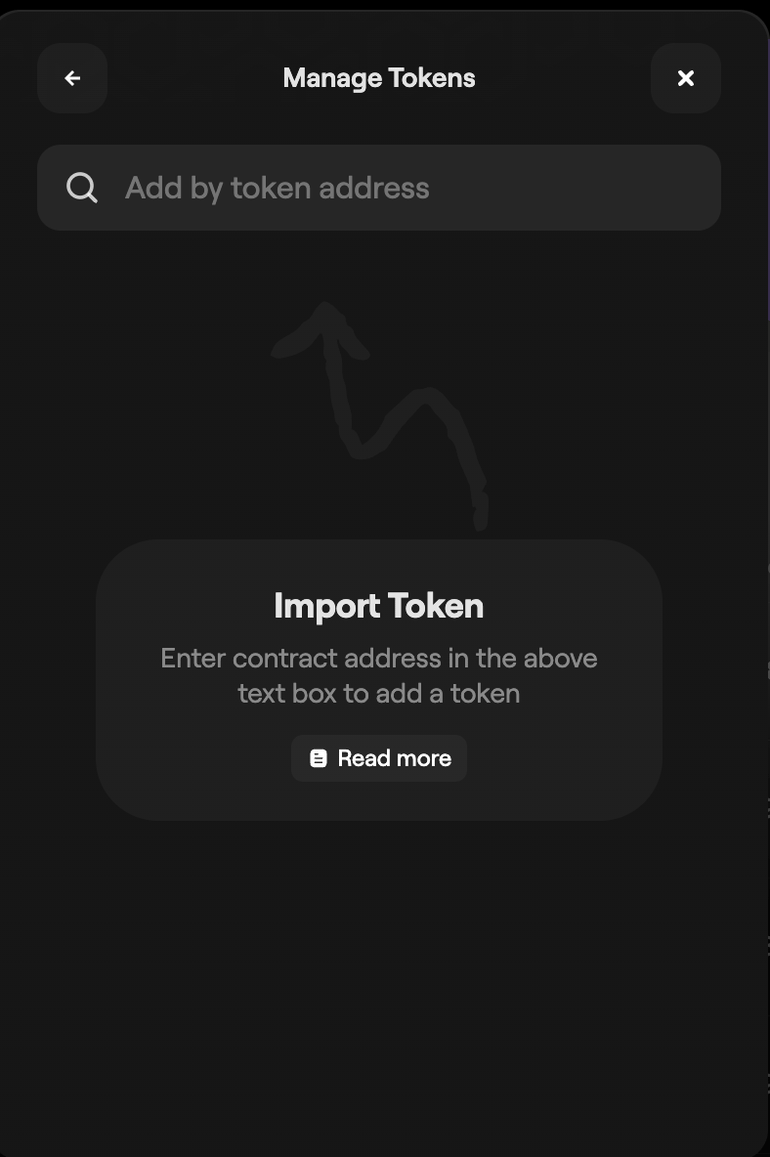
If the token does not appear in search results, select the + in the bottom-right of the Manage tokens window to add it manually.
-
Enter the token contract address.
-
If the address is valid, an option to add the token appears at the bottom of the window. Select it to add the token to your dashboard.