

What you will do
- Create a Replit account and a Solidity starter Repl.
- Deploy a sample contract to the Polygon Amoy network.
- Verify and interact with the deployed contract.
- Publish the project to your Replit profile.
Prerequisites
You need a browser-based web3 wallet to interact with the Polygon Amoy testnet. If you already use MetaMask, create a separate account for testing so your test activity does not mix with other accounts. Set up the following before starting:- Create a Replit account.
- Download MetaMask.
- Configure Polygon on MetaMask.
- Get testnet tokens from the Polygon faucet.
Step 1: Create a Solidity starter Repl
-
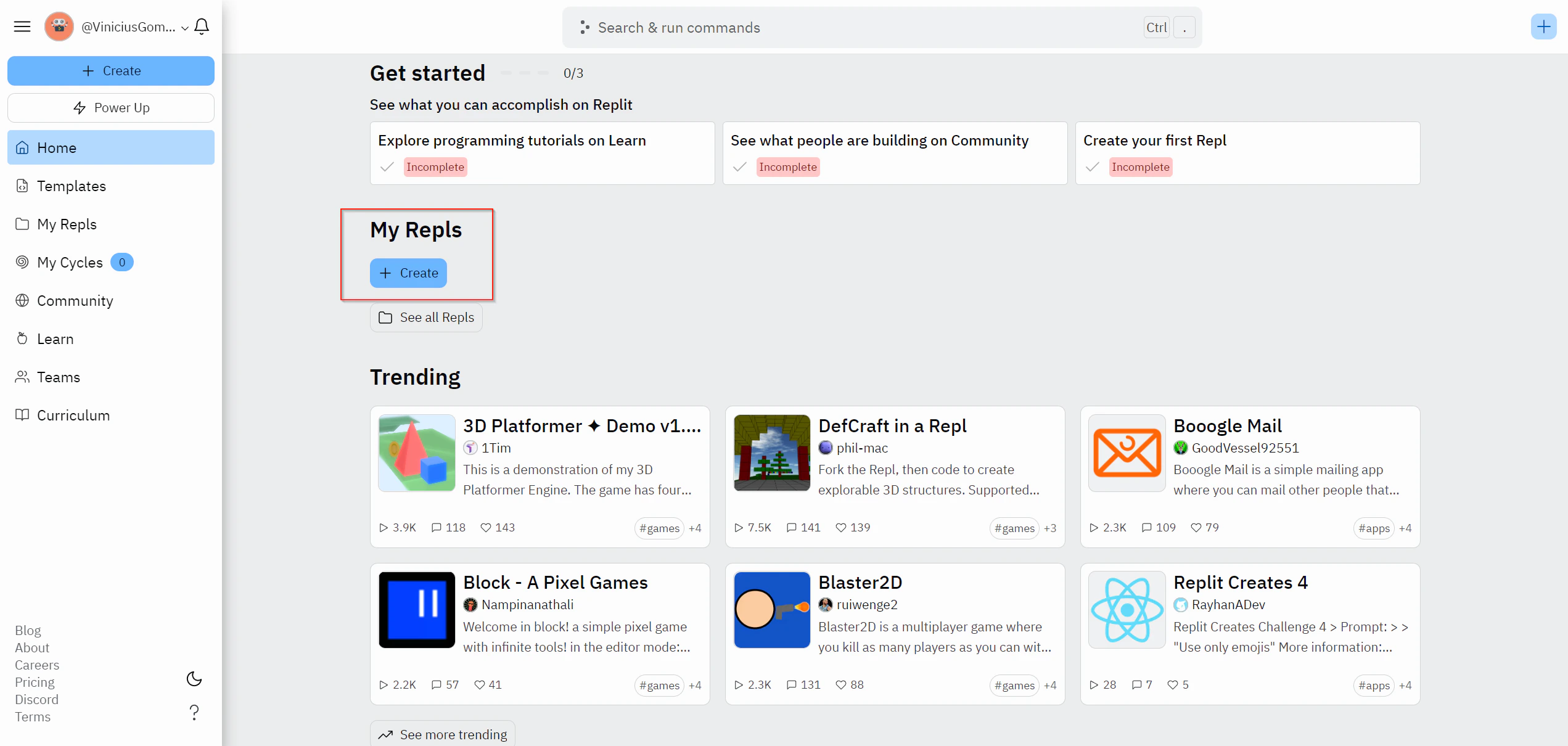
Log in or create a Replit account. After logging in, your home screen shows a dashboard where you can view and create projects.
-
Click + Create Repl from the left panel or + in the top right corner.
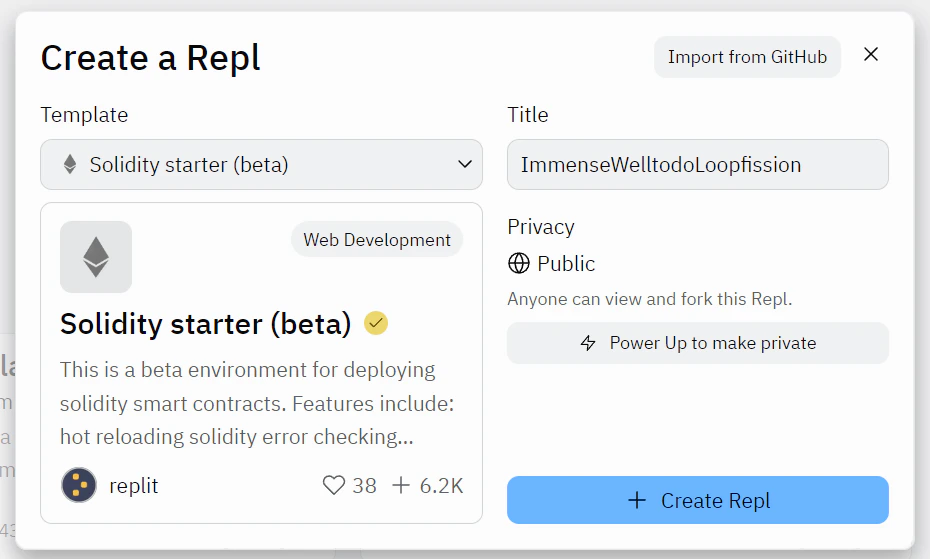
- Select the Solidity starter (beta) template and give your project a title.
- Click + Create Repl.
Step 2: Deploy to Polygon Amoy
Make sure you have completed all prerequisites.- Click Run at the top of the Repl to install all packages and start the contract deployment UI.
-
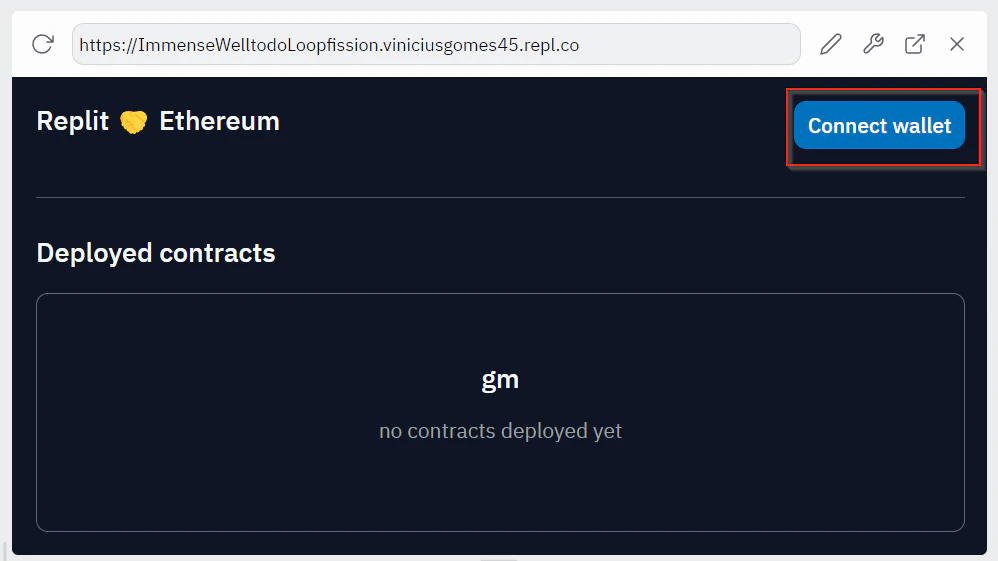
Connect your MetaMask wallet to the web interface and switch to the Amoy testnet.
-
Click Connect wallet, select your account, then choose Connect.
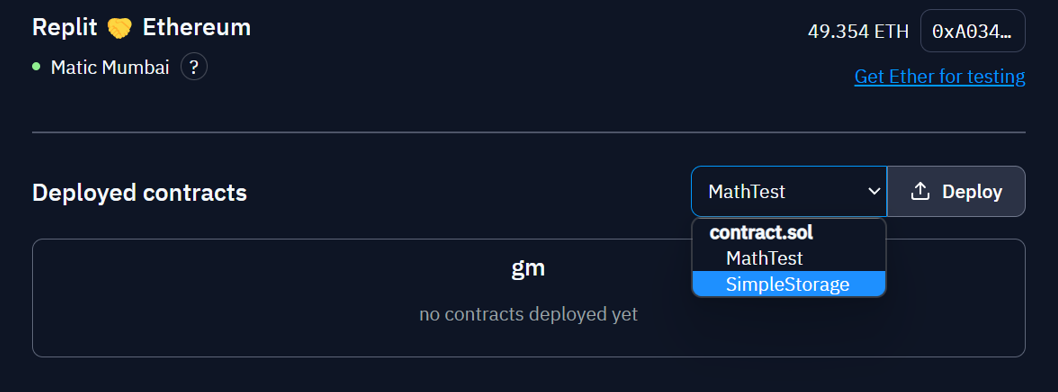
- From the dropdown list, select the contract you want to deploy and click Deploy.
- Approve the transaction in the MetaMask popup that appears.
Step 3: Verify and interact with the contract
After the contract deploys, navigate to Polygonscan for Amoy and search for your account address to confirm the deployment. Back in Replit, the deployed contract appears as an expandable panel below the dropdown. Expand it to see all available functions. You can interact with the contract directly from the Replit UI or share the URL shown in the interface with others.Step 4: Publish to your Replit profile
Publishing makes your project visible on your Replit spotlight page, where others can explore, clone, and interact with it.- Click the project title at the top of the screen.
- Complete the project name and description, then click Publish.