

Tokens on testnets such as PoS Amoy, Ethereum Sepolia, and zkEVM Cardona hold no real value and are solely used for testing purposes.
Polygon Faucet
- Go to the Polygon Faucet.
- Select the network (Amoy or Sepolia) and the token. For Amoy, select POL Token.
- Enter your wallet address and submit the request.
- Check the transaction hash and view details on Polygonscan for Amoy or Etherscan for Sepolia.
Alchemy Faucet
- Go to the Alchemy Polygon Amoy POL faucet.
-
Enter your wallet address and click Send Me POL.
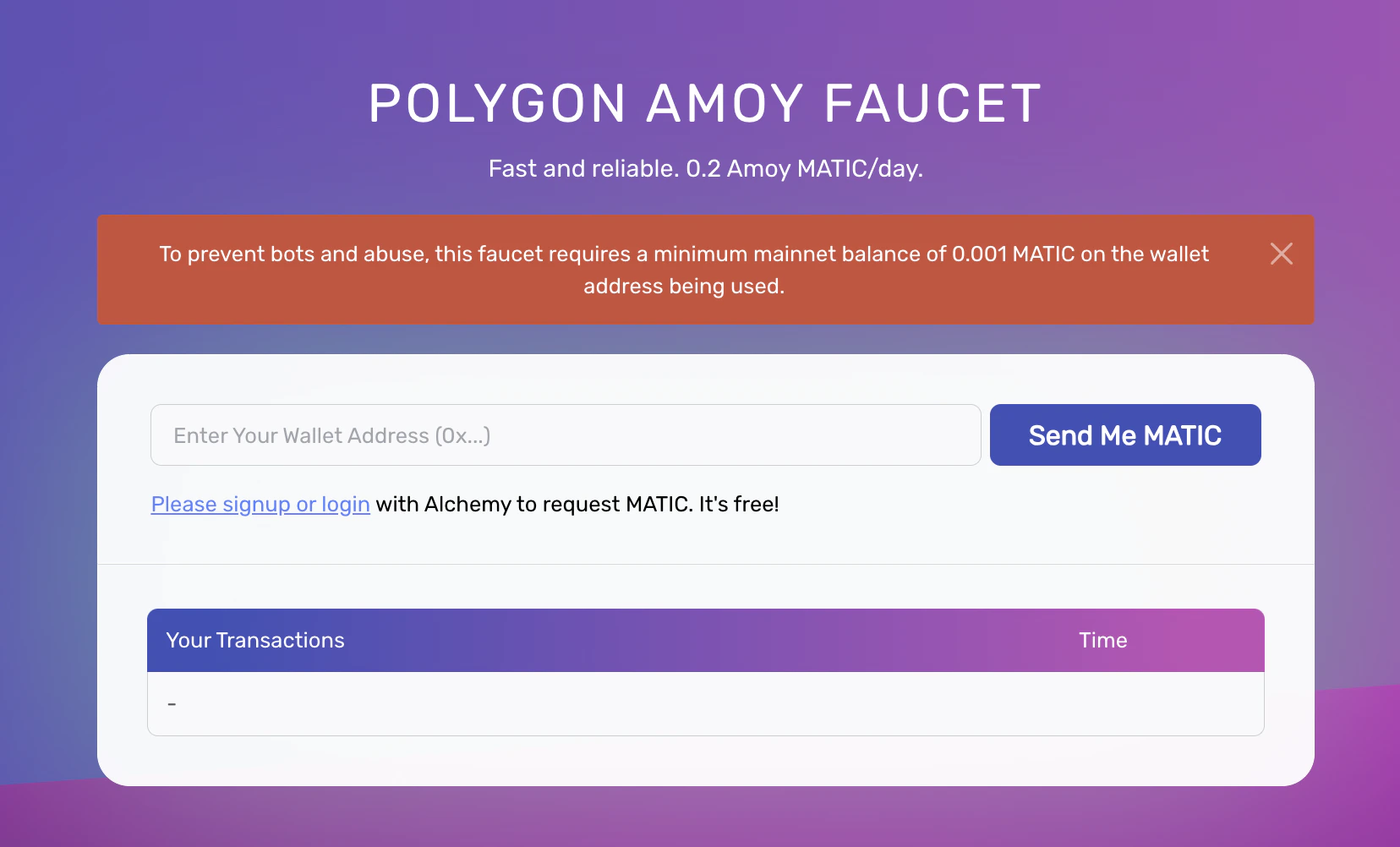
- Check the transaction hash and view details on Polygonscan.
QuickNode Polygon Faucet
- Go to the QuickNode Polygon Faucet.
- Connect your Coinbase, MetaMask, or Phantom wallet by clicking Connect Wallet.
-
Choose Amoy and select Continue.
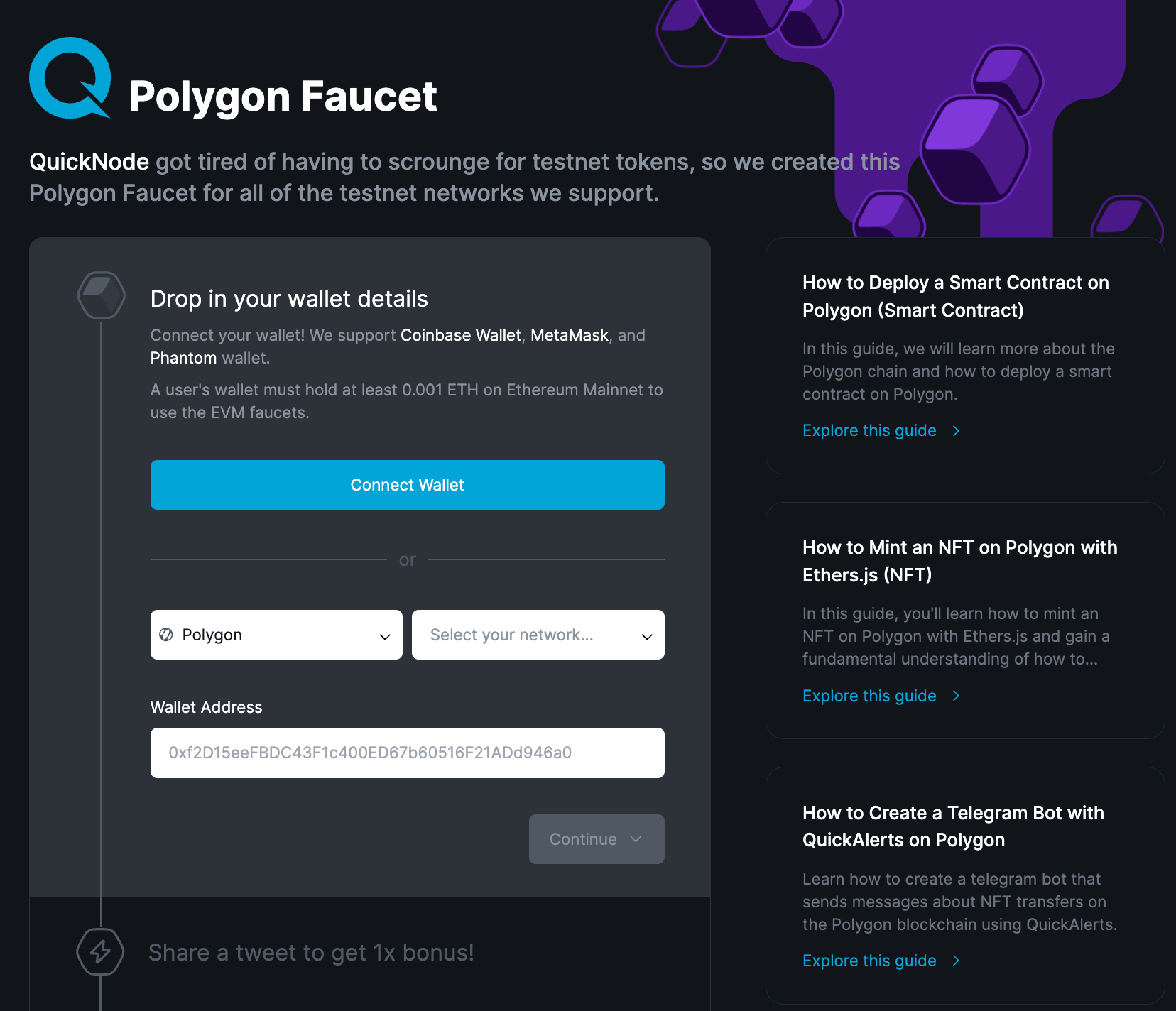
- Click the transaction hash to view details on Polygonscan.
GetBlock Polygon Faucet
- Go to the GetBlock Polygon Faucet.
- Register or log in to request free testnet tokens.