

cdk-opgeth using Kurtosis. This includes a local L1 + L2 environment with Agglayer components and OP Stack infrastructure.
1. Install Kurtosis
Follow the installation instructions from the Kurtosis official docs.2. Launch the cdk-opgeth Stack
Use the command below to run the Kurtosis package:- Start an L1 devnet (Ethereum-like chain)
- Deploy Agglayer common contracts
- Deploy op-geth, op-node, and op-batcher
- Deploy Aggkit and op-succinct infrastructure
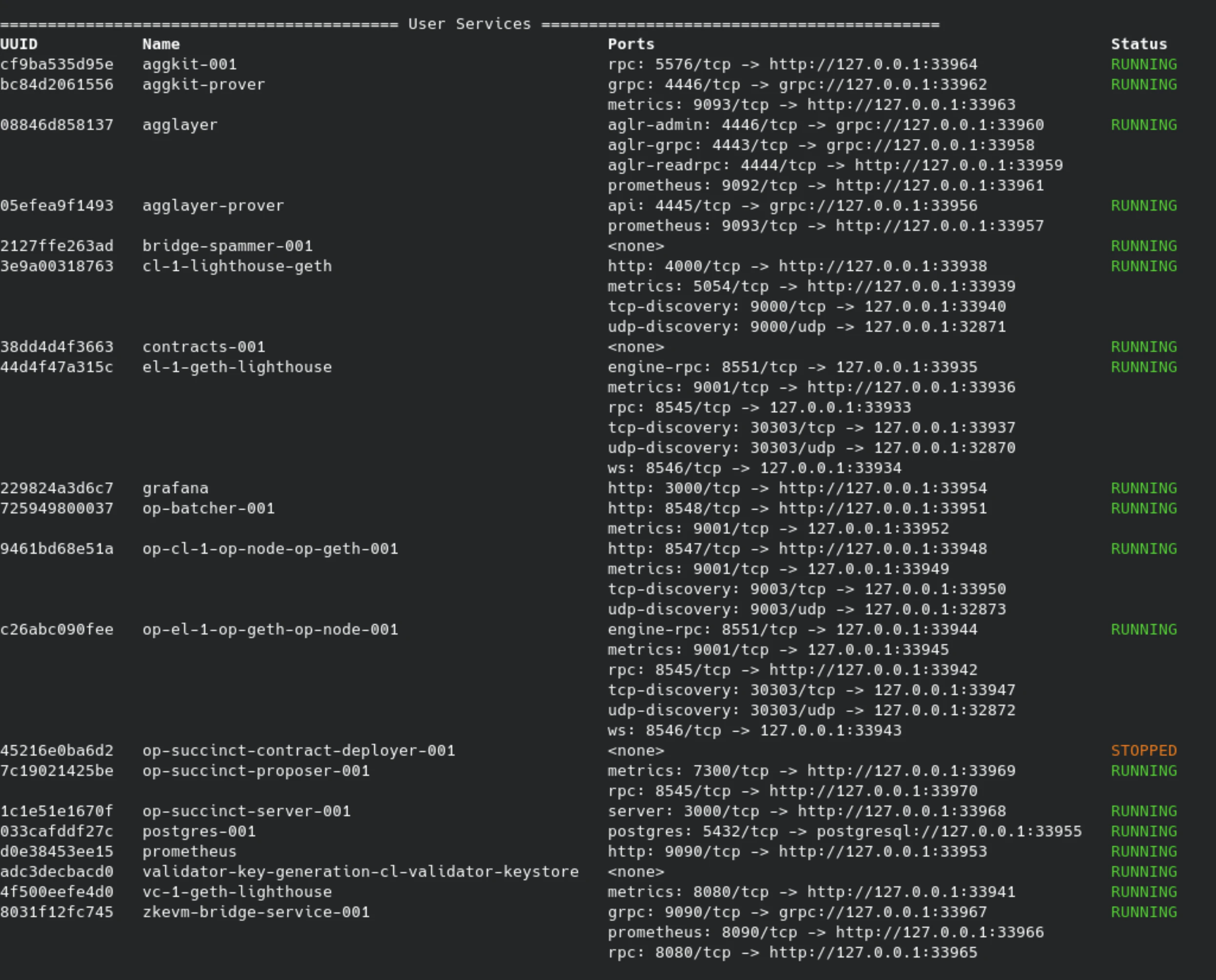
3. Bridge Funds from L1 to L2
Usepolycli to bridge assets from L1 to L2:
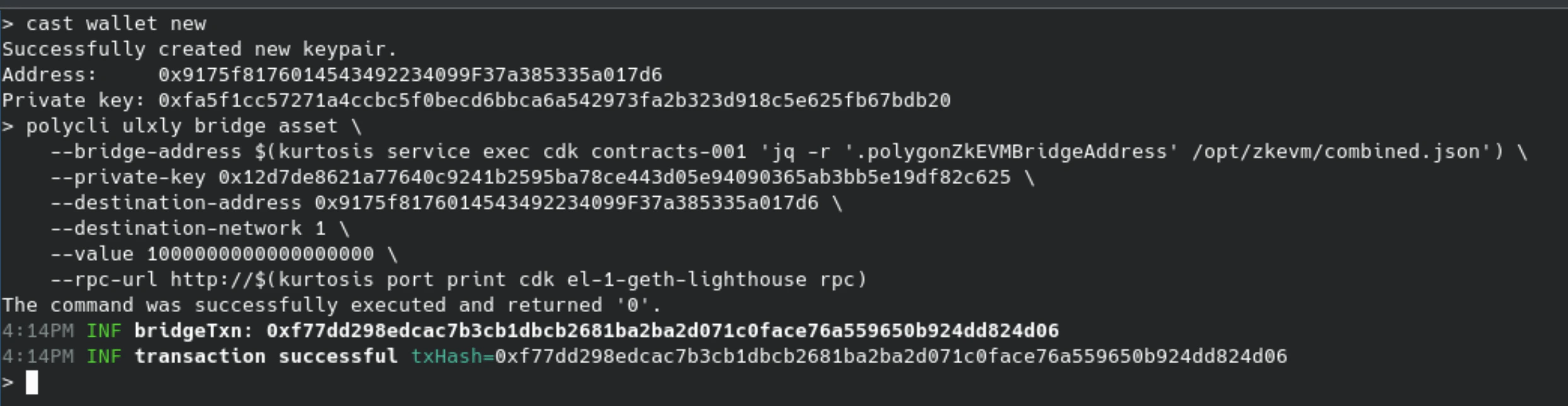
Command parameters:
polycli ulxly bridge asset: Initiates the bridge--bridge-address: Reads fromcombined.json--private-key: Specifies the sender wallet--destination-address: L2 recipient--destination-network: Target network ID (1 for devnet)--value: Amount to bridge in wei--rpc-url: Dynamically resolved RPC from Kurtosis

4. Check Balance on L2
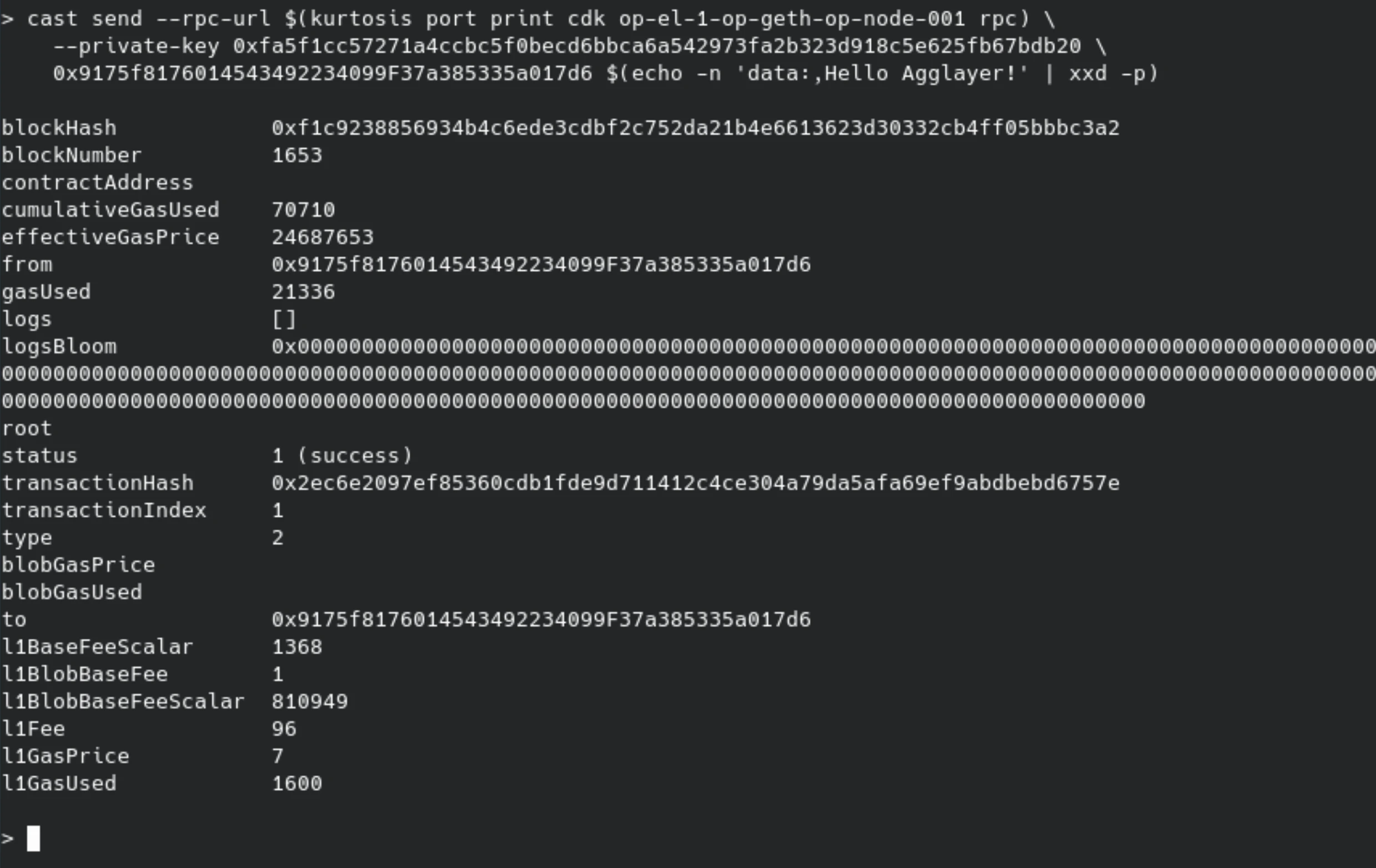
5. Send a Transaction on L2 (Inscription)
Hello Agglayer! embedded in the calldata.
