> ## Documentation Index
> Fetch the complete documentation index at: https://docs.polygon.technology/llms.txt
> Use this file to discover all available pages before exploring further.
# Getting Started with Polygon Wallets
> An overview of wallet options compatible with Polygon networks and how to choose one.
Do your own due diligence before using third party wallets. The official Polygon Support cannot provide assistance for issues with these wallets or other non-native wallets.
Polygon networks are compatible with any EVM-compatible wallet. The right choice depends on your use case: browser extension wallets work well for dApp development and testing; hardware wallets are better for long-term asset storage.
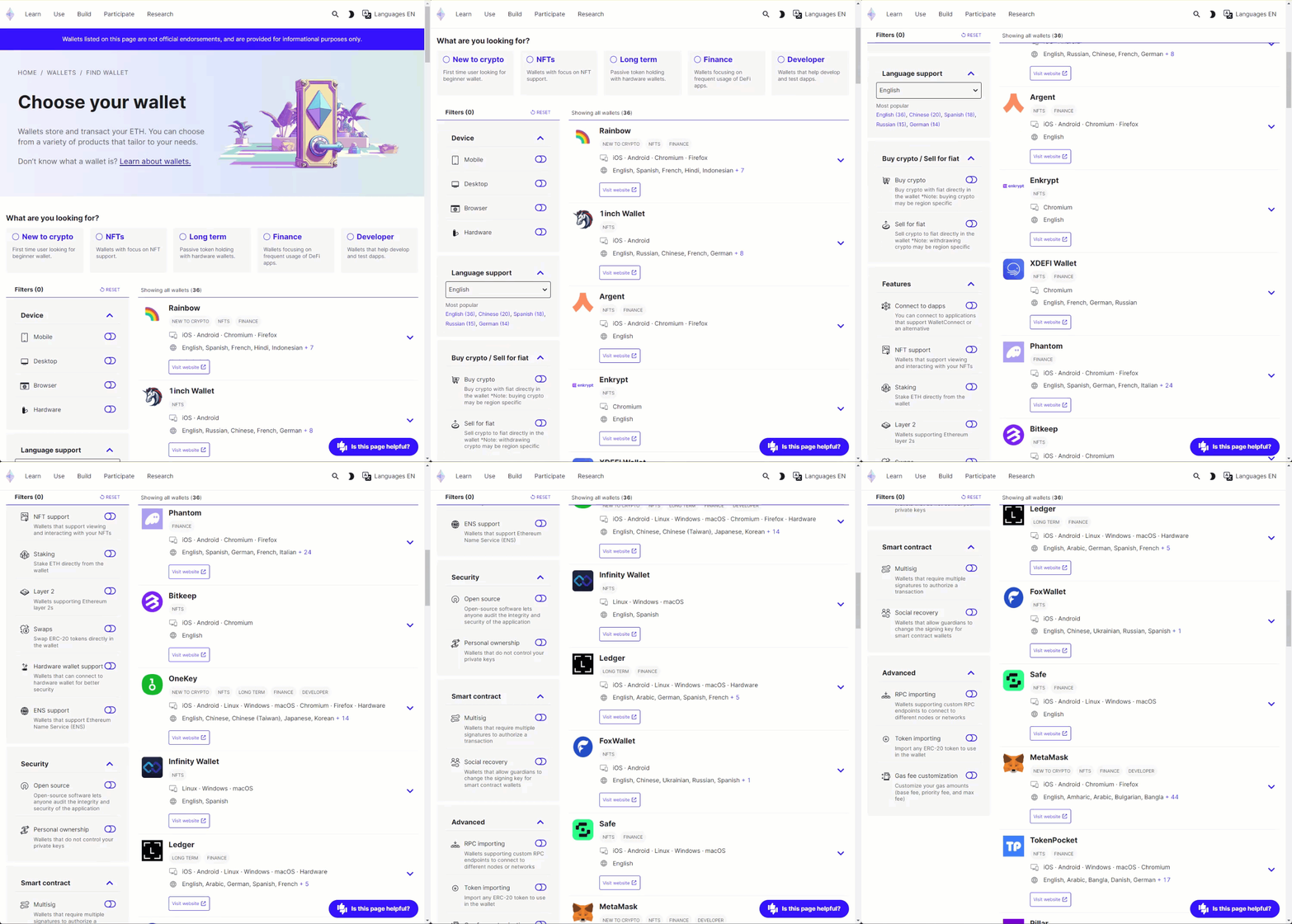
[Ethereum.org's wallet finder](https://ethereum.org/en/wallets/find-wallet/) lets you filter the full list by:
* Device type: browser plugin, desktop, mobile, or hardware wallet.
* Security: open source, personal ownership and custody of your wallet.
* Language support: filter by your preferred language.
Select **Layer 2** in the filter menu to list wallets compatible with Polygon networks.
## Polygon portal
The [Polygon Portal](https://portal.polygon.technology) is an asset management interface for Polygon networks. Use it to:
* Bridge assets via the [Polygon native bridge](https://support.polygon.technology/support/solutions/articles/82000905011-how-does-bridging-work-) and third-party bridges.
* View token balances across supported networks.
* Monitor bridging transactions.
See [Polygon Portal](/tools/wallets/portal) for usage instructions.