Most developers use a node provider rather than running their own full node. A node provider receives your requests and returns responses from the blockchain automatically, so you can focus on building. This guide uses Alchemy as the RPC provider example.

Prerequisites

Create an Alchemy API key

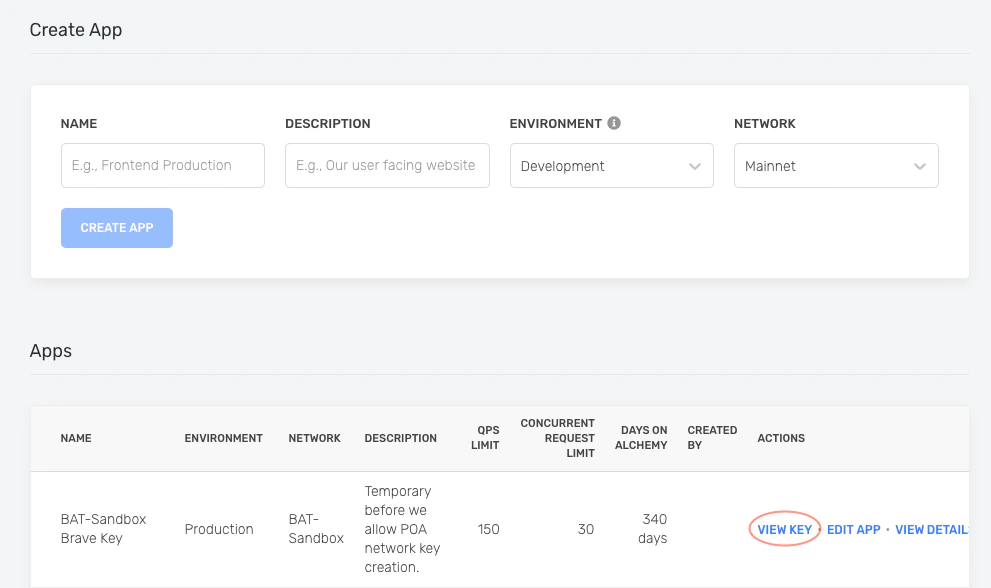
  1. Navigate to the Create App button in the Apps tab. img
  2. Fill in the details under Create App to get your new key. You can also see the applications you previously made by you and your team on this page. Pull existing keys by clicking on View Key for any app. img
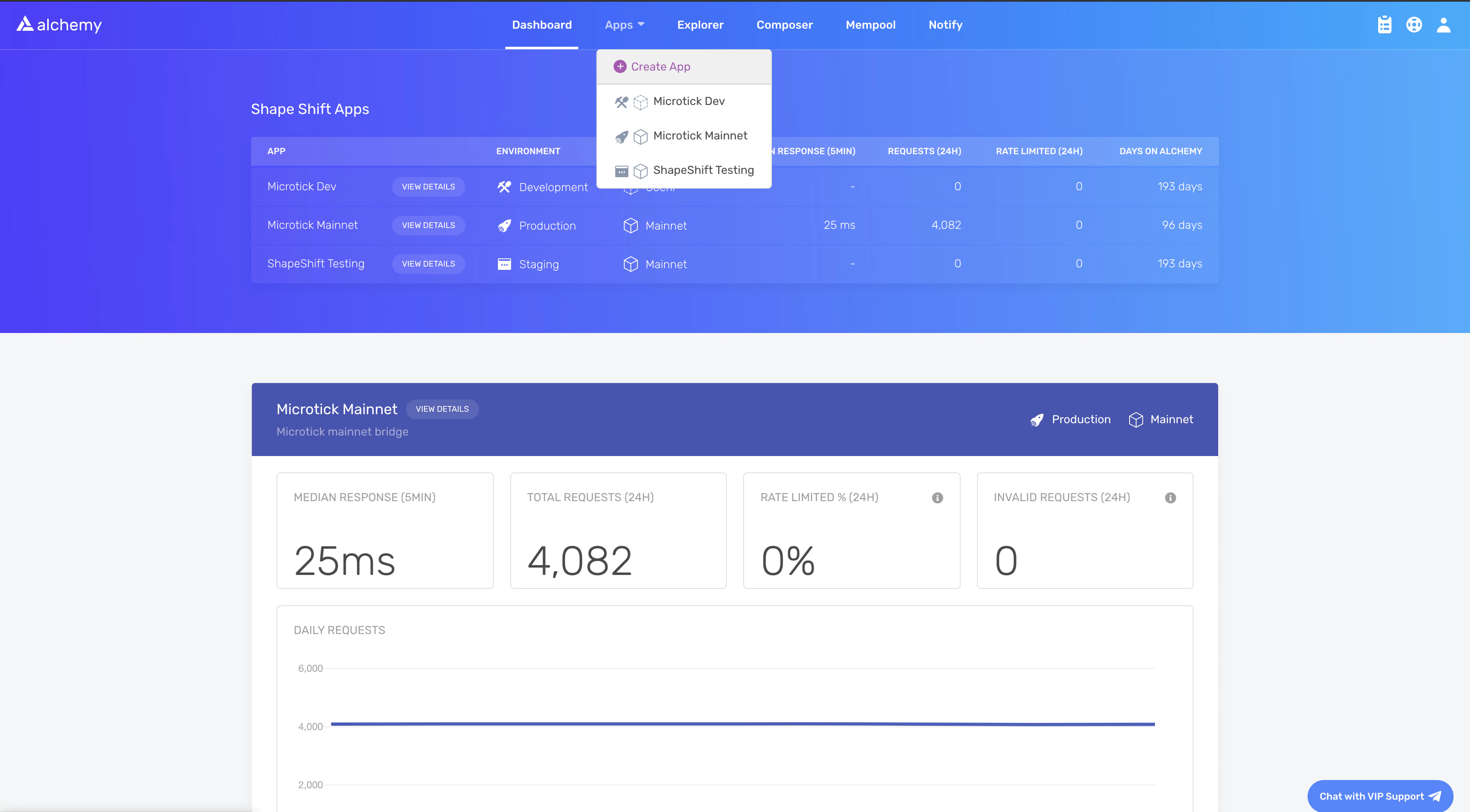
You can also pull existing API keys by hovering over Apps and selecting one. You can View Key here, as well as Edit App to whitelist specific domains, see several developer tools, and view analytics.
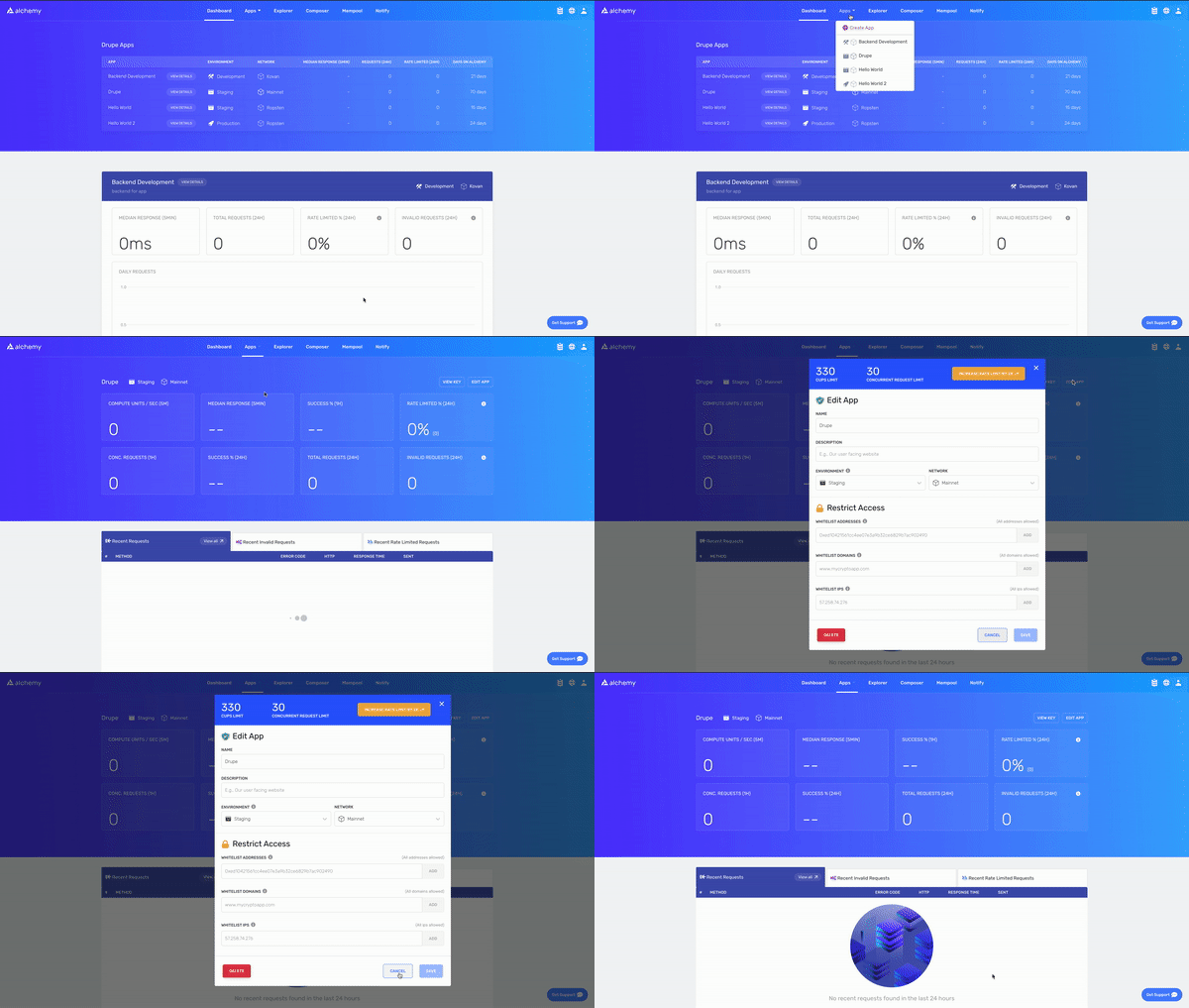
Alchemy App Creation GIF

Send a cURL request

You can interact with Alchemy’s Polygon infrastructure using JSON-RPC from the command line. Use POST requests with the Content-Type: application/json header. Pass your query as the POST body with these fields:
  • jsonrpc: The JSON-RPC version. Only 2.0 is supported.
  • method: The API method. See the API reference.
  • params: A list of parameters to pass to the method.
  • id: The ID of your request, returned in the response so you can match requests to responses.
curl https://eth-mainnet.alchemyapi.io/jsonrpc/demo \
  -X POST \
  -H "Content-Type: application/json" \
  --data '{"jsonrpc":"2.0","id":73,"method":"eth_gasPrice","params":[]}'
To send requests to your own app instead of the public demo, replace https://eth-mainnet.alchemyapi.io/jsonrpc/demo with https://eth-mainnet.alchemyapi.io/v2/your-api-key.
Expected response:
{ "id": 73,
  "jsonrpc": "2.0",
  "result": "0x09184e72a000" // 10000000000000 }

Set up the Alchemy SDK

Use the Alchemy SDK to make blockchain requests directly from a JavaScript or Node.js dApp. If you already use Web3.js or Ethers.js, change your node provider URL to an Alchemy URL with your API key: https://eth-mainnet.alchemyapi.io/v2/your-api-key
The scripts below must run in a node context or be saved in a file, not run directly from the command line.

Install the SDK

Create a project directory and install the package. With Yarn:
mkdir your-project-name
cd your-project-name
yarn init # (or yarn init --yes)
yarn add alchemy-sdk
With NPM:
mkdir your-project-name
cd your-project-name
npm init   # (or npm init --yes)
npm install alchemy-sdk

Create index.js

import { Alchemy, Network } from "alchemy-sdk";

const settings = {
  apiKey: "demo", // Replace with your Alchemy API key.
  network: Network.ETH_MAINNET, // Replace with your network.
};

const alchemy = new Alchemy(settings);

async function main() {
  const gasPrice = await alchemy.core.getGasPrice();
  console.log(gasPrice.toString());
}

main();

Run

node index.js